
Intercom Fin
Fin is Intercom’s customer-service agent. Fin answers customers and runs Procedures: step-by-step scripts that can read or change other systems and pause for a teammate’s decision.
The lesson for builders
A finished procedure isn’t a solved problem, and a resolution rate means little until the conversations it counts are written down. Check the real account, not the label.
What Intercom Fin can do, and where it stops#
Can do
- Run Procedures that mix plain-language instructions with branching and code, for things like damaged-order claims.
- Read from or make changes in outside systems through data connectors.
- Pause for a teammate’s structured approval, and escalate if nobody answers in time.
- Report confirmed and assumed resolutions, handoffs, and escalations, and flag conversations with Monitors and CX Score.
Where Intercom Fin stops
- Simulations skip intent matching and don’t call real systems, so a passing simulation doesn’t prove the live integration works.
- “Resolved” includes assumed resolutions: a customer who left after an answer without asking for more help.
How Intercom Fin handles one request#
The same four steps for every product on this site.
Step 1: A person asks, or the agent notices
A customer writes to support and Fin answers, running a Procedure the support team wrote for requests like a billing change. A website or API event can also start outreach, and the Procedure begins once the customer replies.
Step 2: The agent prepares a change
The Procedure follows the team’s instructions and branches, and reads account data through connectors. Values like the account number can come from the customer’s stored attributes instead of from the chat.
Step 3: The person reviews the change in the product’s own screen
A human-review step pauses the Procedure until a teammate submits a decision, and a Slack notification can show the procedure name, customer details, and recent messages. A timeout can escalate.
Step 4: The product saves the change and keeps a way back
On the approved branch, a connector makes the change in the connected system. Undoing that change isn’t documented; Intercom’s release rollback restores Fin’s configuration, not past changes.
Worth copying#
What Intercom Fin gets right, with the source for each.
A human-review step pauses the Procedure until a teammate decides, and the builder writes an explicit branch for the approved case. A timeout can escalate when nobody answers.
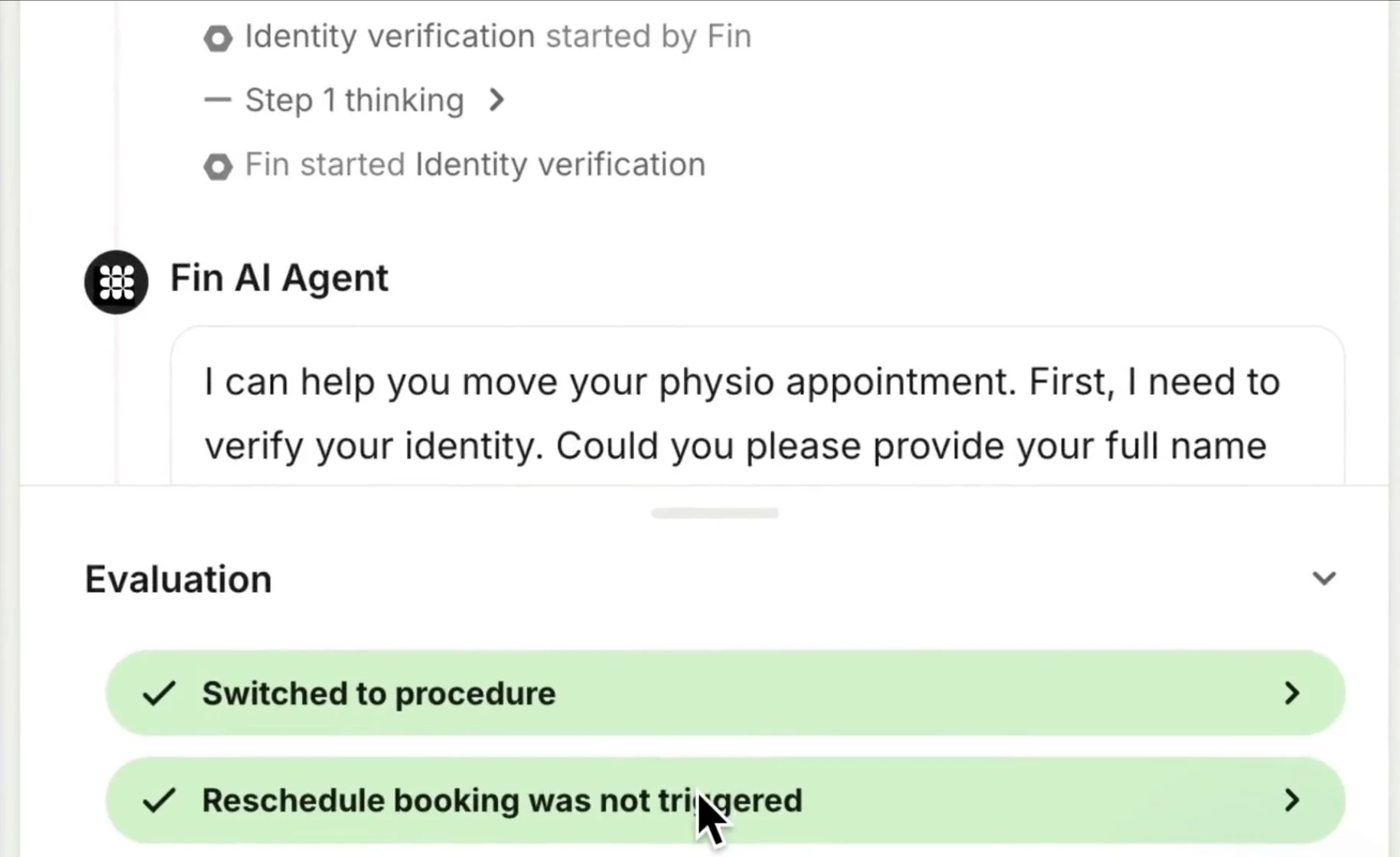
Simulations score a Procedure against named pass/fail criteria, not only whether the Procedure finished. In Intercom’s own recording, completion passes while two behavior checks fail.
Evals and Releases let a team roll back a whole Fin release in one step. The rollback restores Fin’s configuration; undoing changes a connector already made in another system isn’t documented.
Gaps#
What Intercom Fin’s public docs don’t show yet.
Connector data fetched earlier stays in use unless the Procedure refreshes the data, so the account can change while a teammate’s review waits. An automatic refresh before the change isn’t documented.
Monitors read only the transcript, not the team’s Knowledge or Procedures, so a Monitor can’t confirm that the right subscription actually changed.
The finding
The same 300 outcomes read as 30% or 50%#
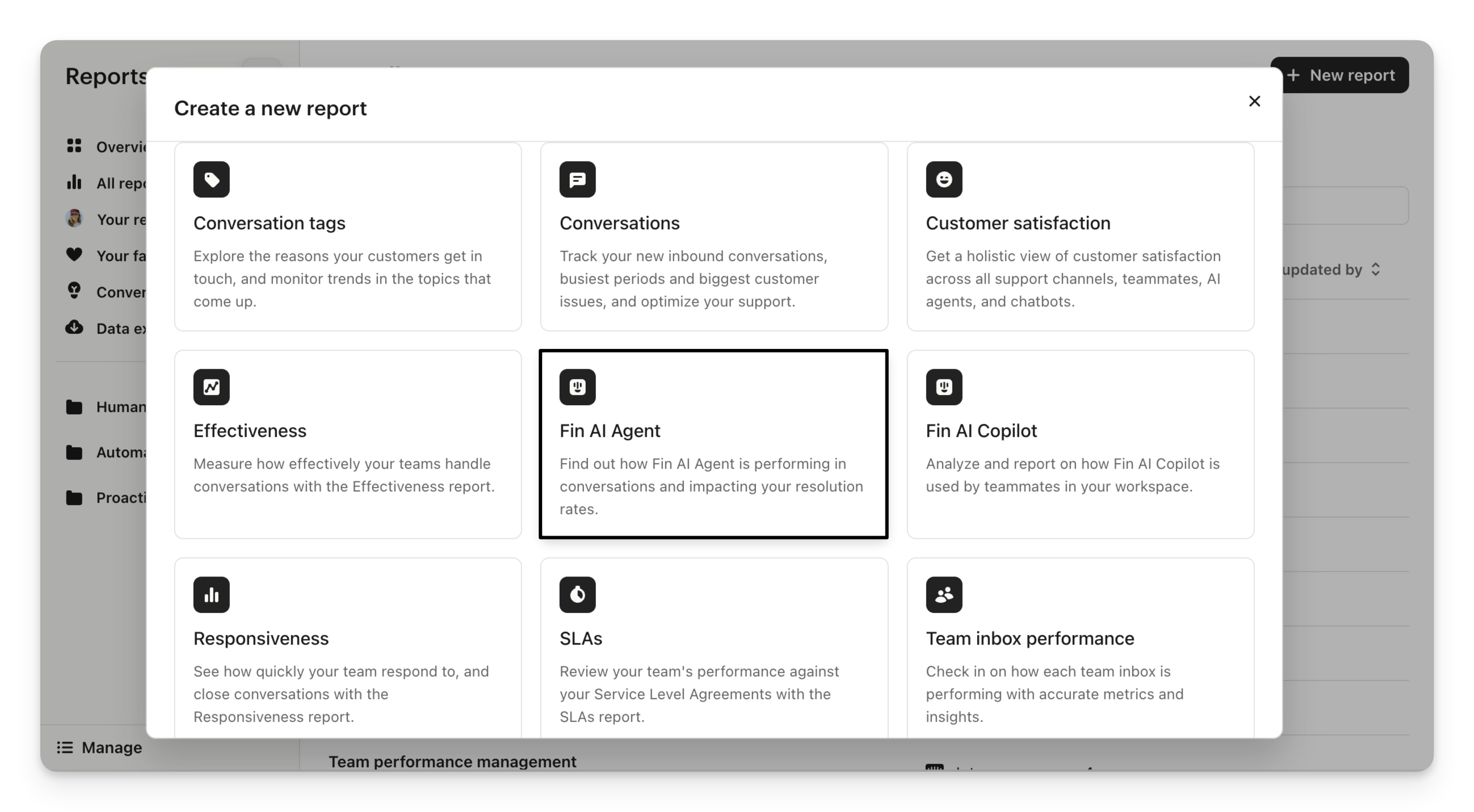
Intercom documents Fin’s outcome rate in two places, and the two pages count different conversations. The Fin AI Agent reporting guide says all outcome rates are a percentage of all conversations. The reporting metrics glossary defines the rate out of Fin-involved conversations, and whether Fin is involved depends on the team’s audience targeting rules.
Illustration, with made-up numbers: a support team has 1,000 conversations, Fin is involved in 600, and 300 end in an outcome. Counted against all conversations, the rate is 30%. Counted against Fin-involved conversations, the same 300 outcomes make 50%. Neither number is wrong. Comparing one team’s 30% with another team’s 50% is.
The outcomes need the same care. Intercom counts a confirmed resolution when the customer says the answer helped, and an assumed resolution when the customer leaves without asking for more help. A customer who goes quiet may have succeeded, given up, or moved to another channel. A Procedure that ends in a configured handoff to a human also counts as an outcome, even though a teammate still has work to do.
Targeting moves the number too. Pointing Fin at easy requests can raise the rate while shrinking the share of support work Fin handles.
For builders: before comparing two deployments, write down each chart’s definition, filters, date range and the set of conversations it counts, and keep coverage next to the rate. A resolution label also isn’t a check of the account. Confirm the subscription or order actually changed.
Sources#
- Fin AI Agent reportingintercom.com
- Reporting metrics & attributesintercom.com
- Fin AI Agent outcomesintercom.com
- Human-in-the-loop approvals for Fin Proceduresintercom.com
- Run Simulations for Fin Proceduresintercom.com
- Announcing Evals and Releasesintercom.com
Sources checked September 28, 2026.

HubSpot’s Customer Agent answers customers from the team’s knowledge base, can read and update their CRM record, can call the team’s own systems, and hands off to the support team.