
Linear Agent
Linear lets a person hand an issue to an AI agent while a person stays the assignee, so someone is always responsible for the result.
The lesson for builders
Separate who owns the work from who does the work. A person stays accountable, the agent contributes, and the issue stays the place where anyone can see what happened.
What Linear Agent can do, and where it stops#
Can do
- Create and update issues, answer questions, and summarize activity within the person’s existing permissions (the built-in Linear Agent).
- Draft a project update for the author to refine and publish.
- Let installed agents take a delegated issue while a human stays the assignee. Delegation changes show in the issue’s Activity feed.
- Run recurring jobs as Loops, like preparing a Thursday meeting agenda, on a schedule or event.
Where Linear Agent stops
- Restoring a Loop version changes the Loop’s settings, not what past runs changed.
- “Complete” means the agent’s session ended, not that the issue is done or the work was accepted.
How Linear Agent handles one request#
The same four steps for every product on this site.
Step 1: A person asks, or the agent notices
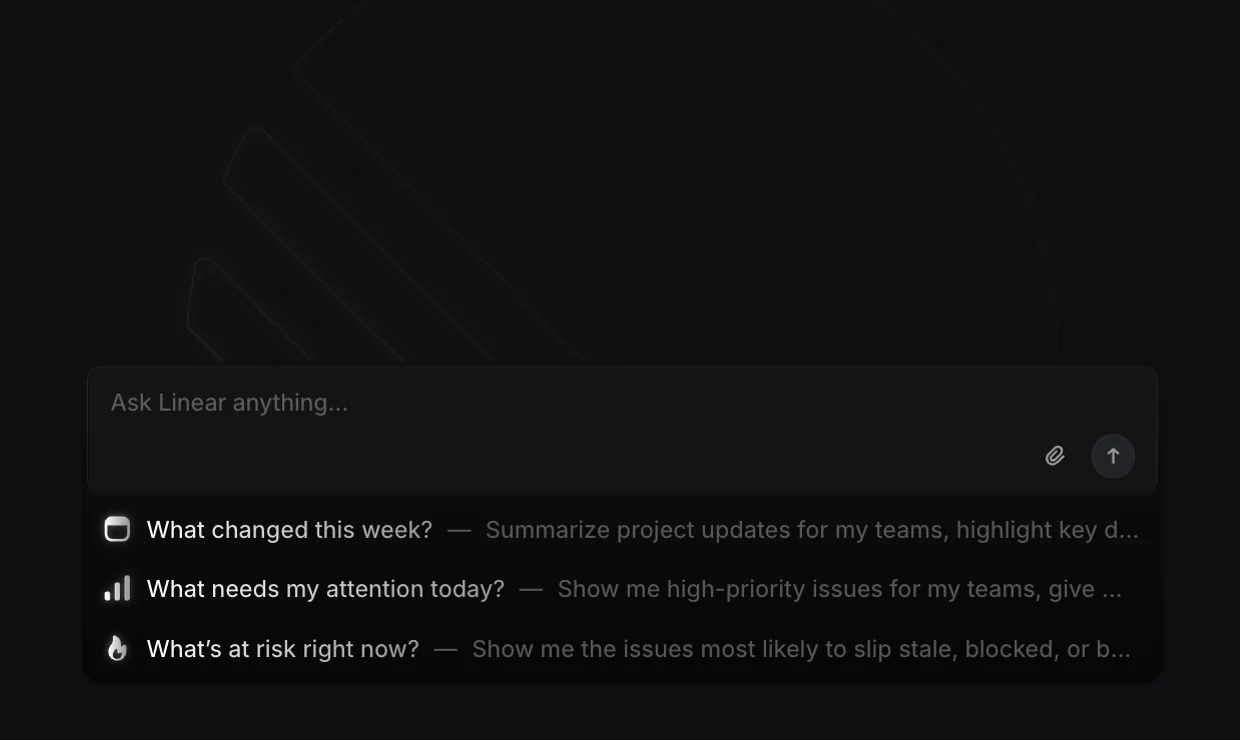
A person chats with Linear Agent, mentions the agent in a comment, or delegates an issue to an installed agent while a person stays the assignee. Loops can also start work on a schedule or event.
Step 2: The agent prepares a change
The agent drafts inside Linear, like a project update the author refines before publishing. A delegated agent works in a session on the issue, sometimes with a link to the provider’s own interface.
Step 3: The person reviews the change in the product’s own screen
The author edits the draft and then publishes the update. For delegated work, the issue owner reviews the contribution on the issue, and the session can ask for input.
Step 4: The product saves the change and keeps a way back
The author publishes, or the owner accepts the delegated work. Stop tells an agent to halt and report the session’s state; undoing finished changes isn’t documented, and restoring a Loop version changes only the Loop’s settings.
Worth copying#
What Linear Agent gets right, with the source for each.
Linear’s agent drafts a project update in Linear’s own update composer. The author edits the draft directly or asks for changes, then publishes.
A delegated agent’s session shows one of six states: pending, active, awaiting input, complete, error or stale.
An issue’s Activity feed records every assignment and delegation change and who made the change.
Gaps#
What Linear Agent’s public docs don’t show yet.
Stop tells an agent to halt and report the session’s state. Undoing changes the agent already made isn’t documented.
How much a third-party agent reports about the agent’s own work depends on the provider. Across all 12 products, a full receipt of what an agent did is only partly documented.
The finding
A human assignee plus an agent delegate#
In Linear, an issue can have a human assignee and an agent delegate at the same time. Linear’s docs put the split plainly: the agent works on the issue while the assigned teammate keeps ownership. Delegated issues still appear in the assignee’s My Issues view, and the issue’s Activity feed records each assignment and delegation change and who made the change.
The split sounds like a small data-model choice. The choice decides where unfinished work goes and who should notice a bad result. When an installed agent stalls, errors or asks a question, the work doesn’t disappear into the agent’s queue: a named person still has the issue.
Linear backs the split with identity. An installed agent authenticates as an app (actor=app), not as the person who installed the agent, and app agents can’t request admin scope. Mentioning or delegating to an agent opens an agent session on the issue, with six states: pending, active, awaiting input, complete, error and stale.
The states need careful reading. Complete means the agent’s session ended, not that the issue is done or that anyone accepted the work. Stale means Linear stopped getting reliable progress, not that the agent stopped working. Stop asks the agent to halt and report the session’s state; undoing changes the agent already made isn’t documented.
For builders, the pattern worth copying is the ownership model. The agent does the work, a person stays accountable, and the issue is the shared record. Handing work to an agent shouldn’t remove the person who answers for the result.

Sources#
- Assign and delegate issueslinear.app
- Developing the Agent Interactionlinear.app
- Getting Started – Linear Developerslinear.app
- Signalslinear.app
- Agent assisted project updateslinear.app
Sources checked September 28, 2026.

Asana’s AI Teammates are agents a person assigns tasks to, like a colleague.