Leave a receipt, not just a chat message
Asked, approved, changed, failed: all on the record.
The product keeps a record of what the agent actually did: what was asked, who approved, which items changed, what failed, and what can still be undone. Someone else can read the record without the original chat.
Why the pattern matters#
Later, a teammate asks why three dates didn’t move. The chat shows what the user wanted; the chat can’t prove which changes landed. “Attempted,” “accepted by the service,” and “verified” are different states, and the record should say which one applies. None of the 12 products in the teardowns documents a full receipt; each shows part of one.
When to use the pattern#
Use the pattern when
- Someone other than the requester will need to understand the result.
- Work can partly succeed, be cancelled halfway, or be undone later.
- Different people are allowed to see different parts of the work.
Skip the pattern when
- A team is tempted to save the model’s hidden reasoning as the record. Save the decision, the permission used, the exact inputs, and the checked results instead.
- A team would write a success entry just to make the timeline look finished.
In real products#
What each product documents, strongest example first.
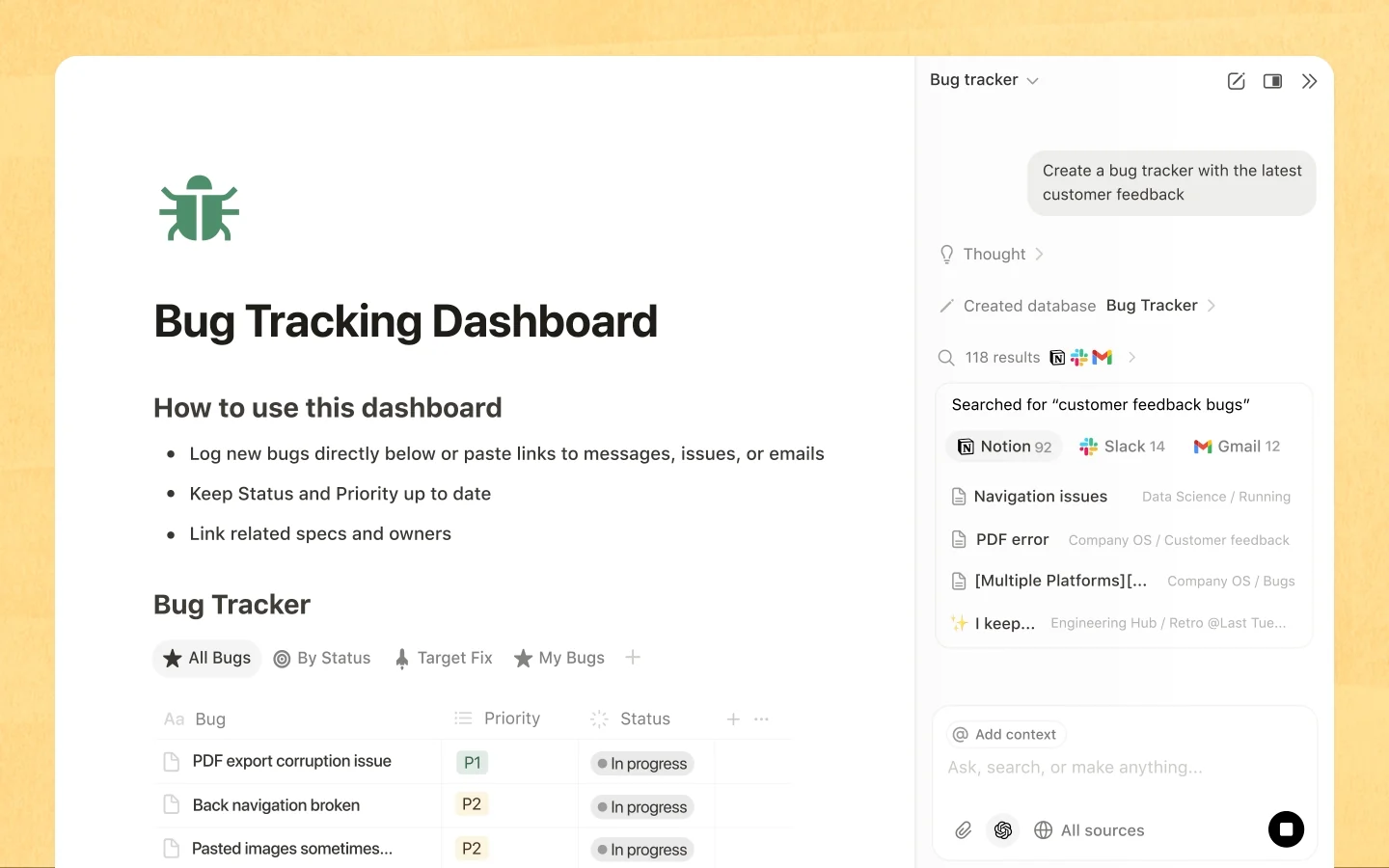
- Notion Agent
A Custom Agent’s Activity log records what triggered each run, the actions taken, and any errors or failures.
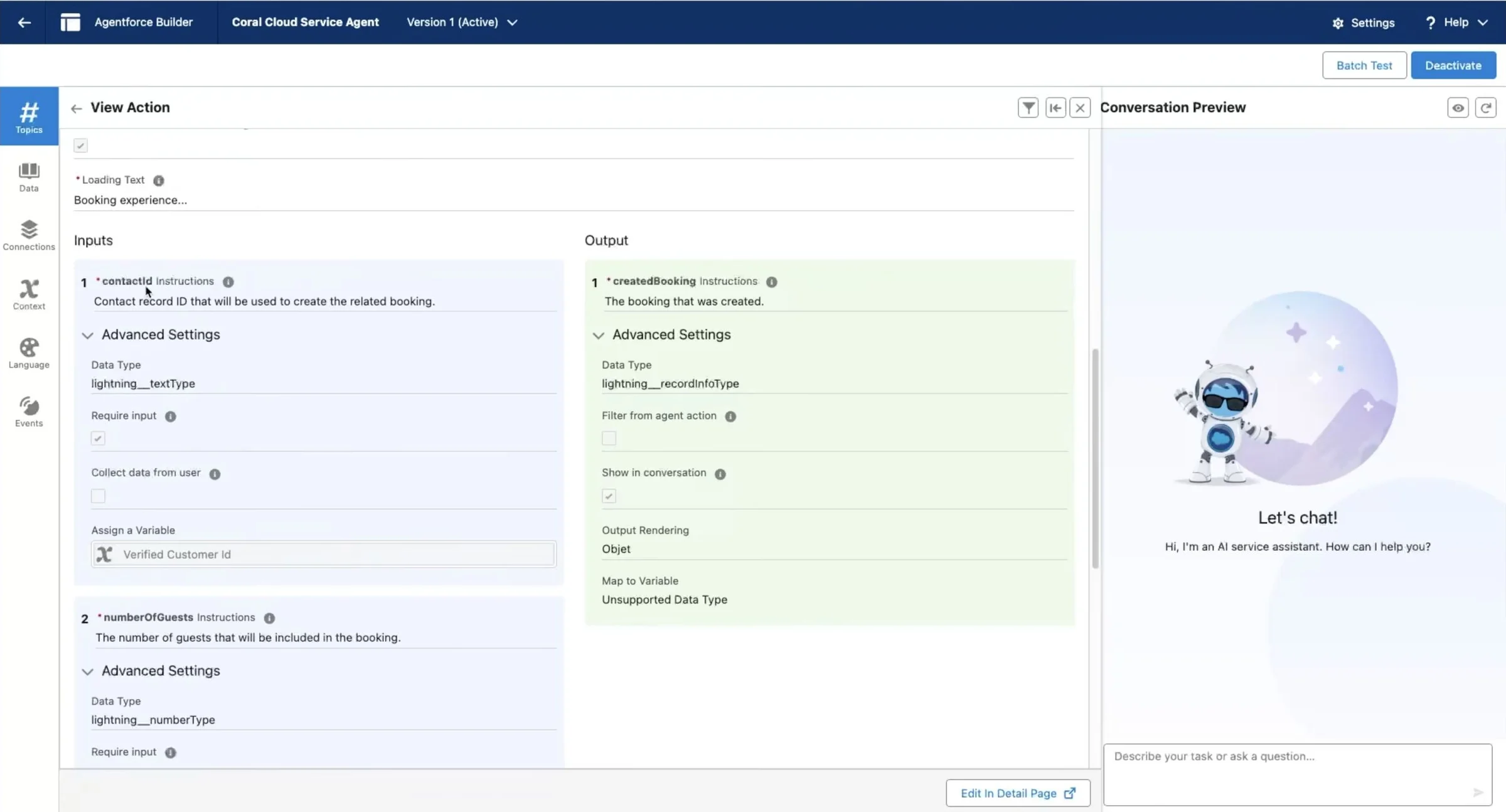
What are Custom Agents? - Agentforce Service
Agentforce observability keeps a time-ordered record of every processing step, with per-step timing and error text.
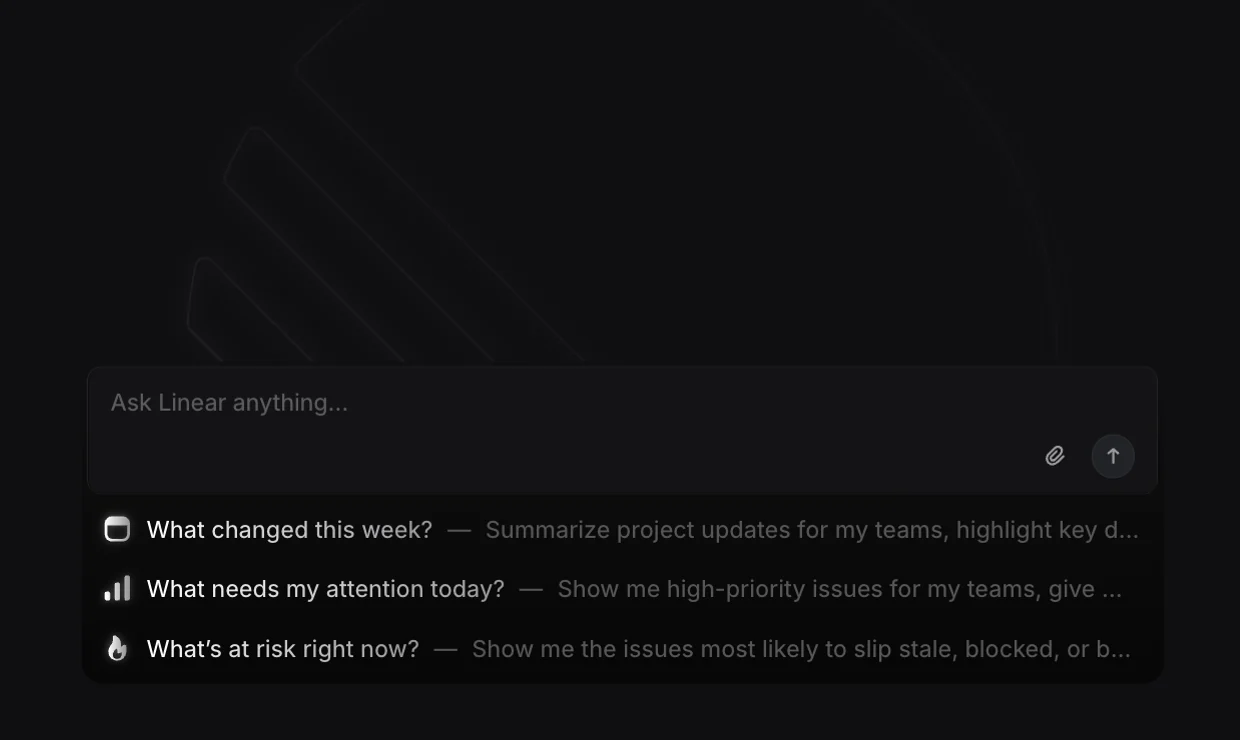
Understand Agentforce observability KPIs and tools - Linear Agent
An issue’s Activity feed tracks assignment and delegation history, including who made each change.
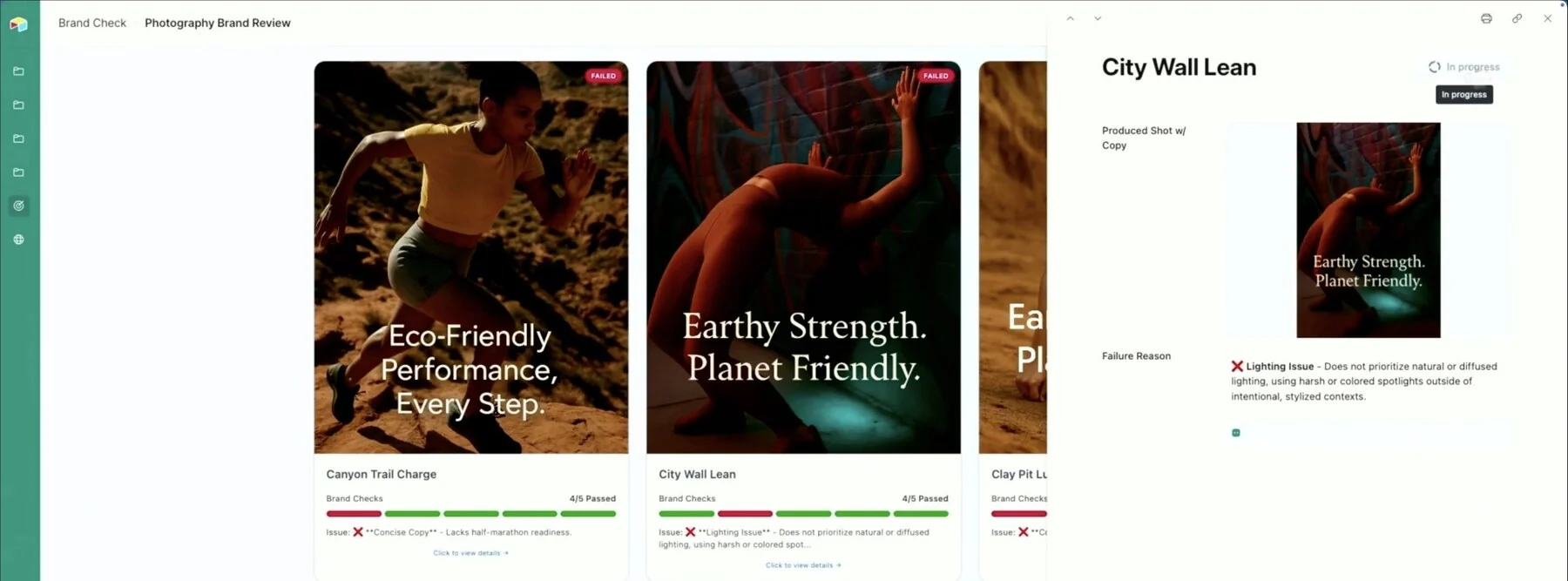
Assign and delegate issues - Airtable Omni & field agents
Airtable tracks which cells a field agent modified and which are outdated or have errors, and a bulk run can target exactly those cells.
Using Airtable AI in fields




Sources checked September 28, 2026.
Checklist#
Yes-or-no checks for a design review.
- The receipt comes from the system that made the change, not from the agent’s summary.
- Every item appears with the before and after values and one outcome: changed, skipped, failed, or unknown.
- The receipt says which state applies: attempted, accepted by the service, or verified.
- A teammate can open the record without the original chat and follow links to the changed objects.
- Cancellation and recovery get entries of their own; nothing is erased or rewritten.
- Viewers see only what their access allows, and a hidden detail says “withheld,” not nothing.
Try it on your product
Write three receipts
For one bulk action in your product, write the receipt a teammate would see after complete success, after partial success, and after a partial reversal. Under each, name what remains in the world: changed records, messages sent, items skipped.
Deep dive#
A receipt from the system that made the change, not the agent’s summary, lets a second person see what happened without the original chat.
Count every request the agent should have handled, charge the agent for every attempt including failures, and compare only checked results against the manual cost of those same results.