Give every agent job one owner and one rulebook
Every door into the product runs the same job, same rules.
The product describes each thing the agent can do as a user job, like “send this campaign to these recipients,” with one owning team, clear permissions, and a shared meaning of “done.” The same rules apply wherever the request comes from.
Why the pattern matters#
One team ships a send tool, another ships recipient search, and a third adds both to the agent. Each tool works, yet nobody can say what a user has actually authorized. Seeing a feature, being allowed to use the feature on this record, and having approval are three separate checks.
When to use the pattern#
Use the pattern when
- Several teams contribute tools to one agent.
- The same action can come from the product’s own app, an outside AI tool through MCP, or a background rule.
- Features roll out behind flags, or a tool’s behavior changes over time.
Skip the pattern when
- A team would use one broad grant like “customer management.” Split reading, preparing, changing, and messaging.
- A team is adding a tool to fix what’s really a missing permission, an unclear proposal, or a misleading receipt.
Three checks, not one#
A feature flag says whether a capability is turned on for this account. A permission says whether this actor may affect this record. An approval records agreement to one proposal. None can stand in for the other two, and all three are checked again when the agent acts, whether the request came from the product’s own screen, MCP, or a schedule.
| What was true earlier | What the product checks at execution |
|---|---|
| The capability was visible | Whether the capability is still available under the current rollout |
| The proposal was approved | Whether the change about to run still matches that proposal |
| The actor had write access | Whether the actor’s current permission still covers the change |
| The request named an account | Whether the signed-in identity actually owns that account |
| A background rule started the run | Whether the rule’s standing grant covers this action now |
In real products#
What each product documents, strongest example first.
- Agentforce Service
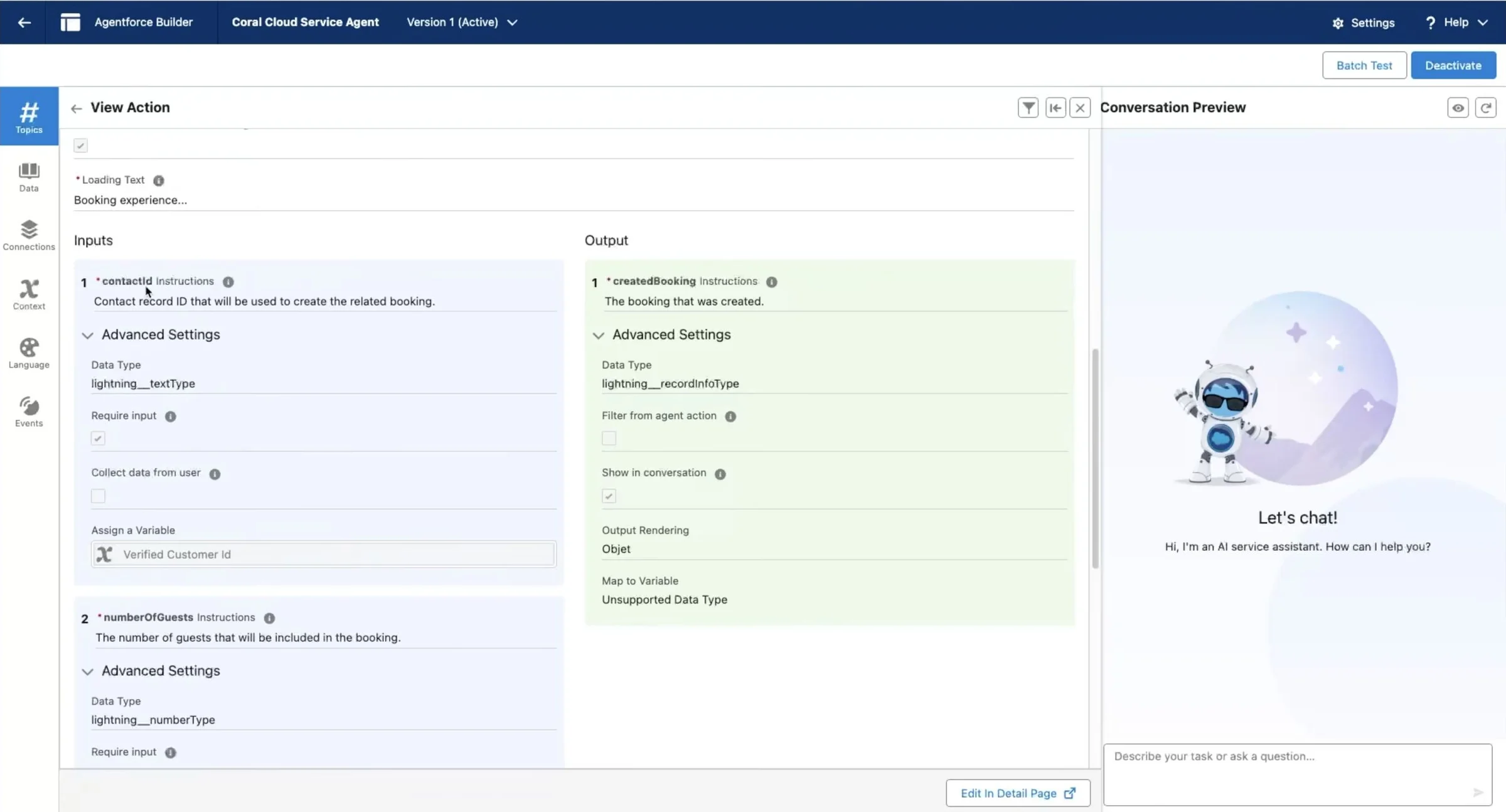
On messaging channels, Agentforce runs as a designated agent user, not as the customer. Verifying the customer doesn’t settle whose permissions run the action, so Salesforce’s example binds each booking to the verified customer.
Common user access for standard agent actions - HubSpot Customer Agent
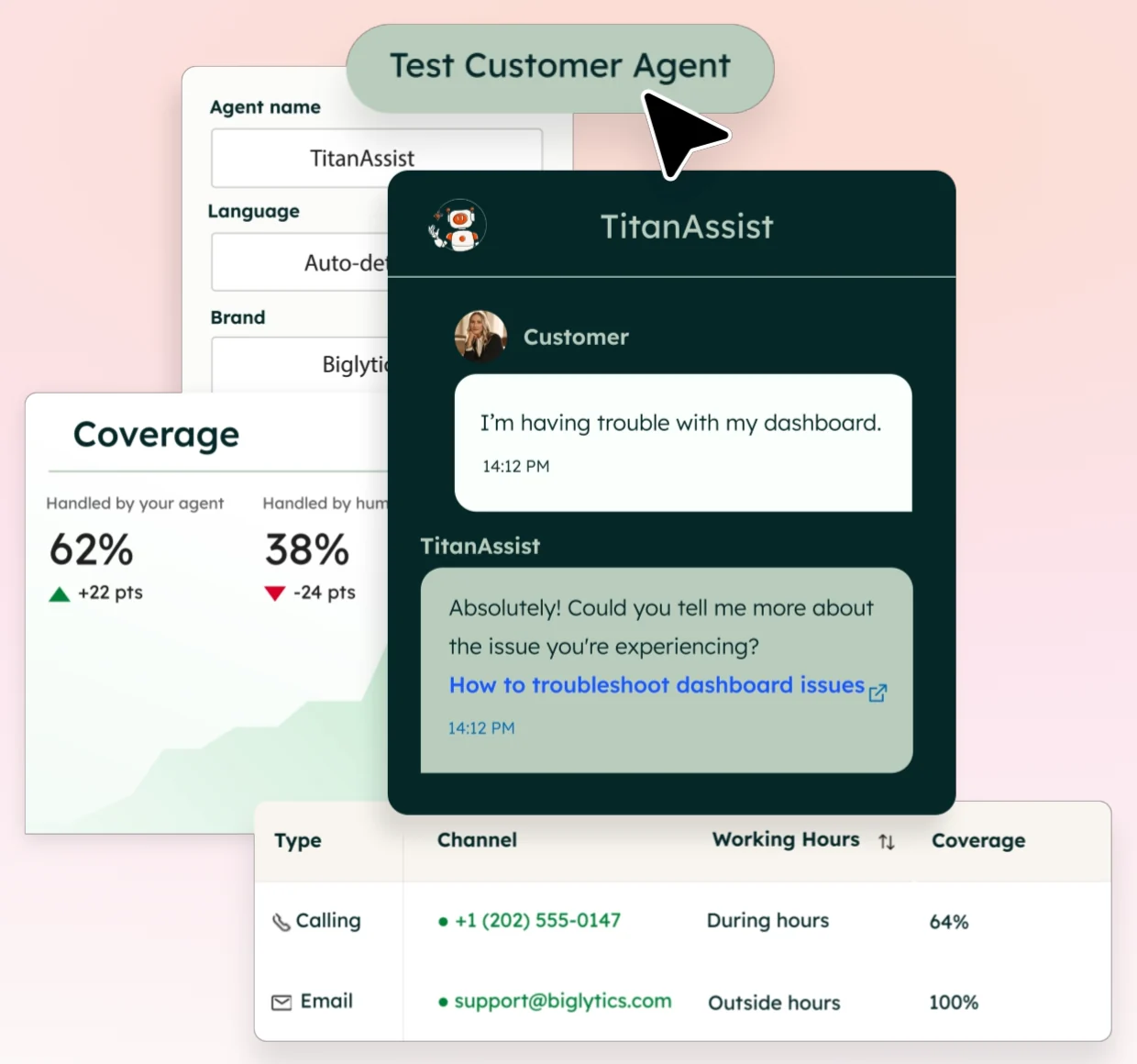
HubSpot grants the agent View and Edit separately for up to ten contact properties, and an edit can require the customer to confirm their email first.
Allow the customer agent to access and update CRM data - Asana AI Teammates
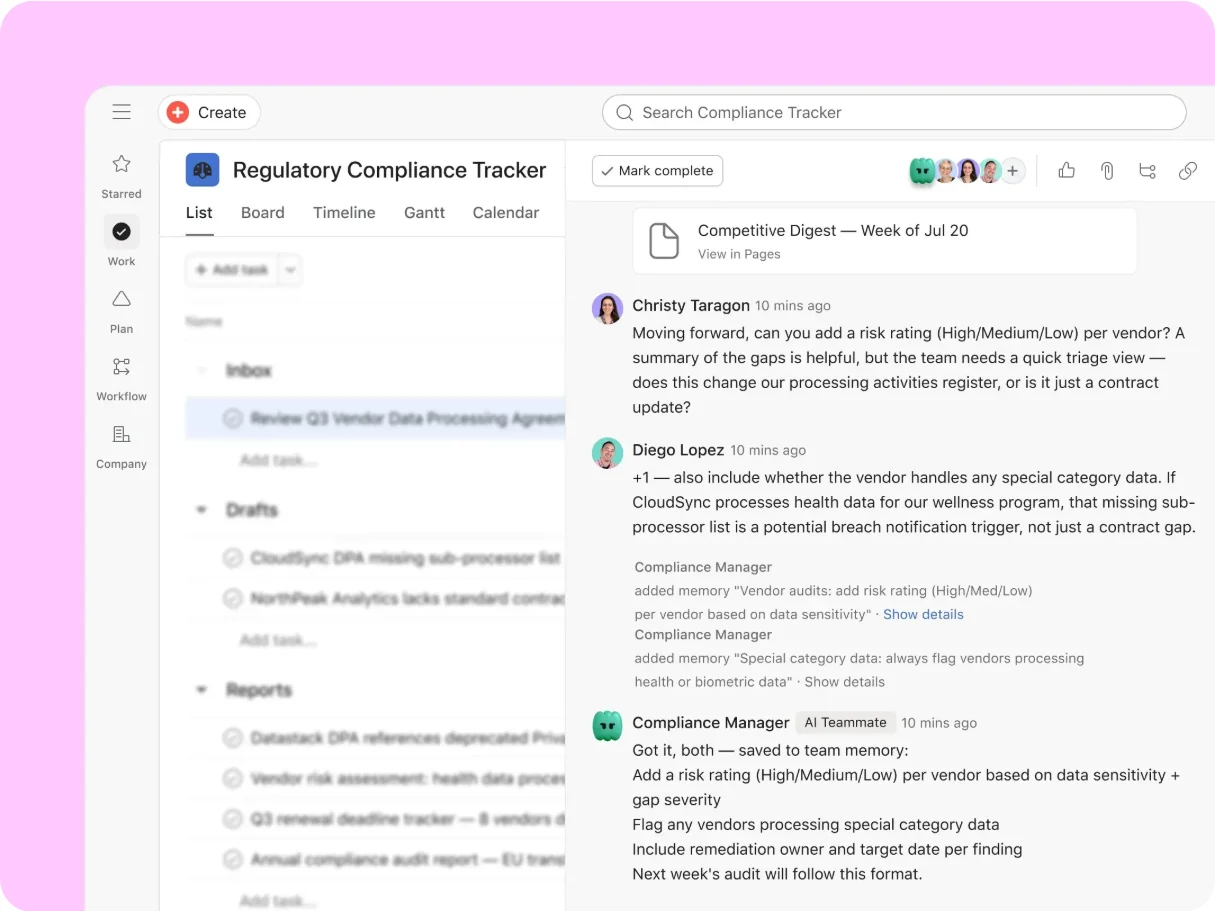
When a Teammate uses a connected app, the Teammate acts with the triggering user’s access, and write or delete actions need approval by default.
Connect and manage apps for AI Teammates - Shopify Sidekick
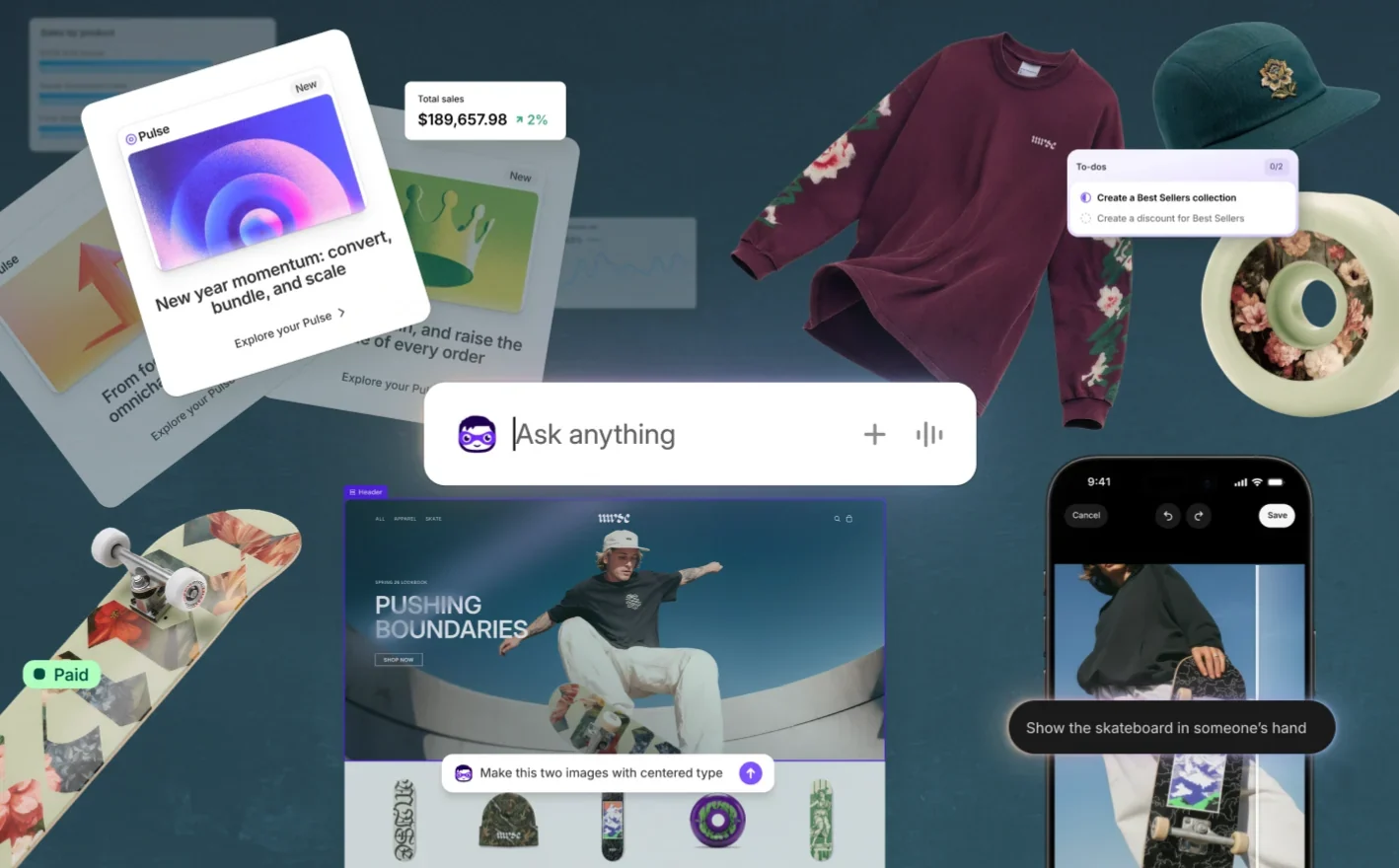
Shopify tells app developers to keep Sidekick data extensions read-only and to put changes in action extensions, where the merchant confirms.
Sidekick app extensions




Sources checked September 28, 2026.
Checklist#
Yes-or-no checks for a design review.
- The capability is named as a user job, with one owning team.
- The contract lists what the capability may read and what the capability may change, per workspace, role, and record.
- Reading, preparing, changing, and messaging outside the product are separate grants.
- The contract says which actions need a fresh approval and what invalidates an old one.
- Limits are written down: records, cost, duration, audience.
- “Done” means the same thing to every team that contributes a tool.
Try it on your product
Make a permission matrix
Pick three capabilities your agent has or will have. For each, fill in one row: which objects it can touch, read or write, whose connection it uses, what triggers it, and what happens when access is revoked mid-run. Every blank cell is a decision nobody has made yet.
Deep dive#
MCP moves where a request starts, not who owns the operation. The product still resolves the account, checks permission, and returns a result the host can’t misread.
Undo is a new action, not a time machine.