Be honest about what undo can undo
Undo restores what it safely can and names what it can’t.
Undo is a new action, not a time machine. Putting a field back is different from undoing the field’s consequences, like an email already sent. The product tells people exactly what recovery will change and what recovery will leave behind.
Why the pattern matters#
One Undo button hides several choices: what the original change did, what happened since, and whose later work recovery may overwrite. When a teammate edited a date after the agent did, restoring the old date would erase the teammate’s decision.
When to use the pattern#
Use the pattern when
- The agent changed records other people may have edited since.
- The change set off effects beyond the record: notifications, automations, messages.
- The product offers a Stop or Restore button that people might assume reverses everything.
Skip the pattern when
- The change is still an unsaved proposal. Discarding the proposal is enough.
- The effect can’t be reversed at all, like a sent email. Offer a correction instead, and don’t call the correction undo.
Check the version, not just the value#
An agent moves a due date from Thursday to Friday. A teammate changes the date to Monday, then back to Friday. The user clicks Undo.
A check on the value alone sees Friday and restores Thursday, erasing the teammate’s newest decision. The version number shows the record changed twice after the agent’s write, so honest recovery leaves the date alone and says why.
| Event | Date | Version |
|---|---|---|
| Original state | Thursday | 1 |
| Agent update | Friday | 2 |
| Teammate changes the plan | Monday | 3 |
| Teammate changes the date back | Friday | 4 |
In real products#
What each product documents, strongest example first.
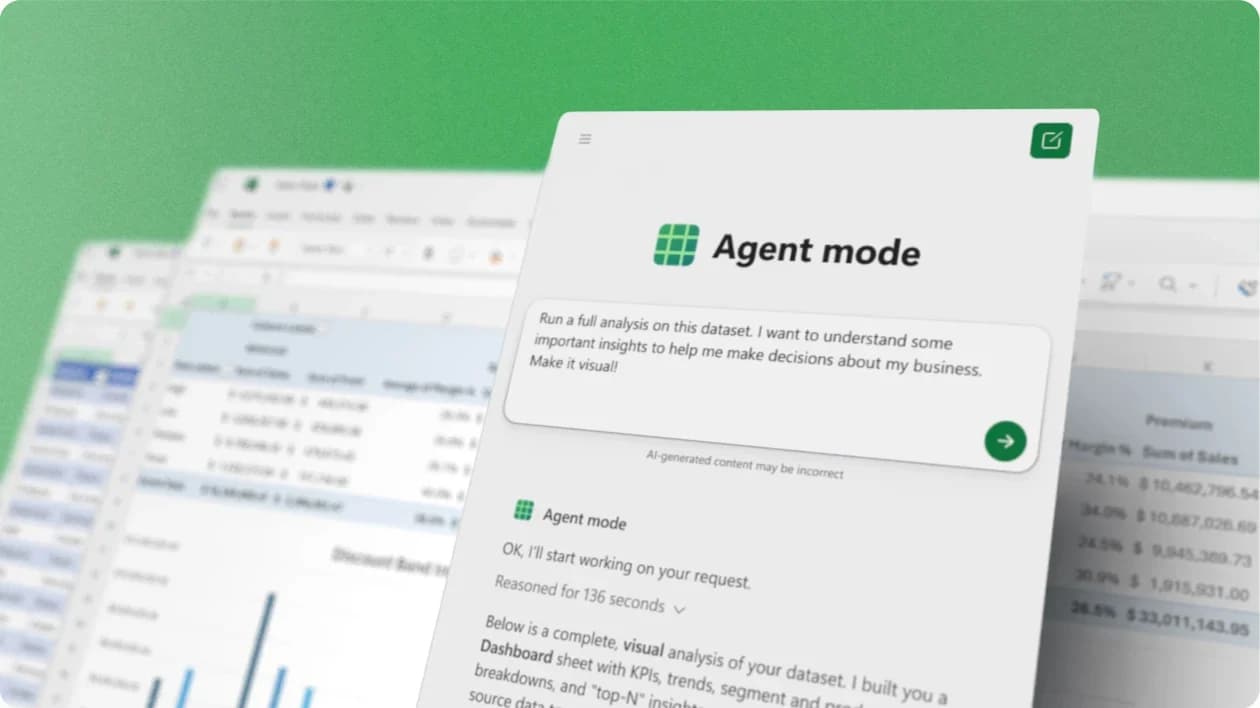
- Microsoft Excel agents
Copilot’s edits go through Excel’s normal undo stack, so Ctrl+Z works. Version History restores a whole file, not one change.
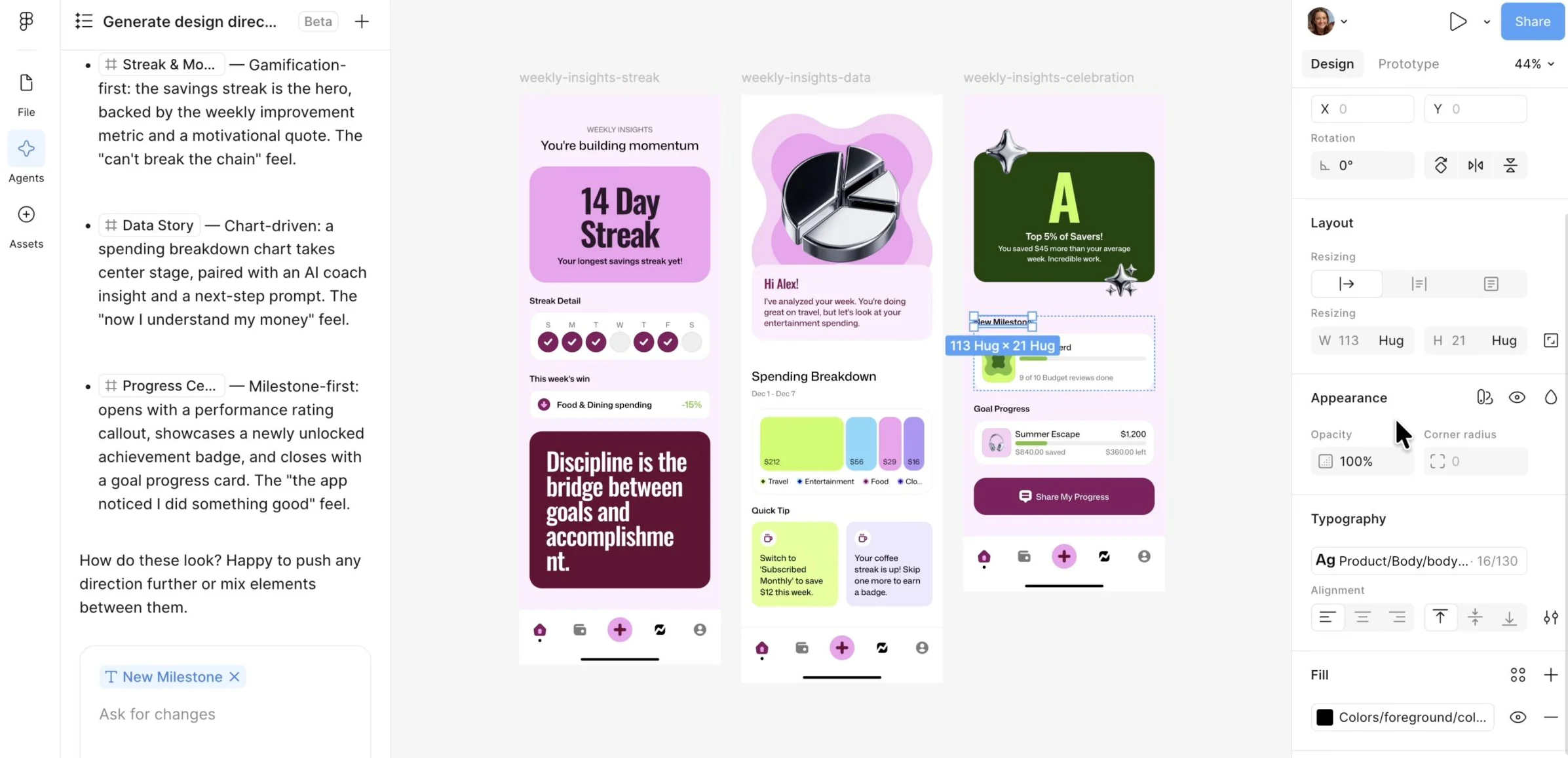
Copilot in Excel: a tutorial for screen reader users - Figma Design agent
Before undoing an agent’s change, Figma suggests duplicating the AI-updated version first, so the designer keeps a copy to compare.
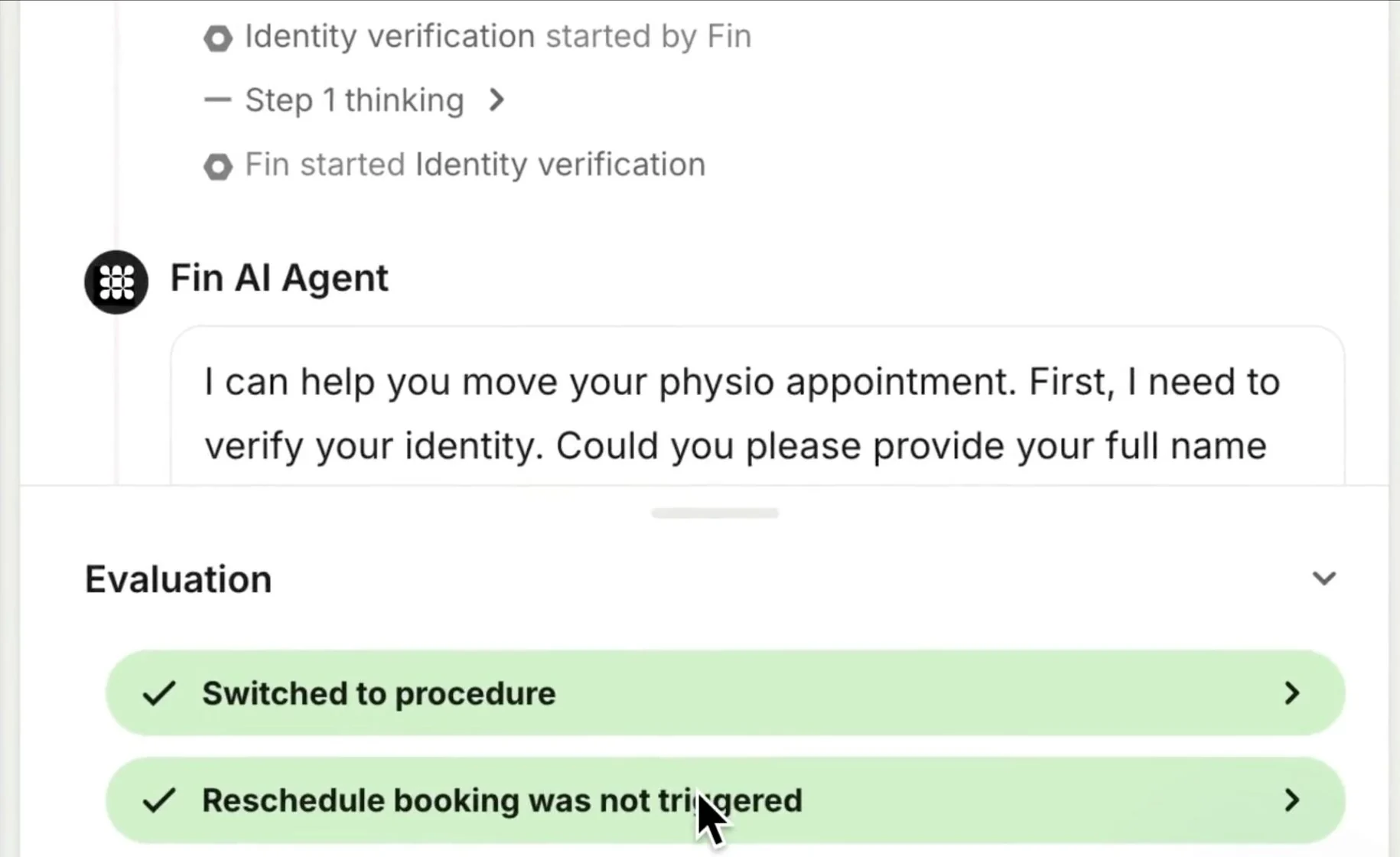
Work with the Figma agent in design files - Intercom Fin
A team can roll back a whole Fin release in one step. The rollback restores Fin’s configuration; undoing what a connector already changed in another system isn’t described.
Announcing Evals and Releases - HubSpot Customer Agent
HubSpot’s manual Undo for property values doesn’t apply to changes made by workflows, the API, or connected apps.
Undo property value changes




Sources checked September 28, 2026.
Checklist#
Yes-or-no checks for a design review.
- For each side effect, the team knows whether the effect can be undone, for how long, and by whom.
- The recovery screen says what will change back and what will stay, like emails already sent.
- Recovery skips records someone edited after the agent, and names them.
- Stop, Cancel, and Undo are separate controls with separate results.
- Recovery checks permission again; an old receipt isn’t a license to write.
- Restoring the agent’s settings is labeled as a settings change, not an undo of past work.
Try it on your product
Fill in the recovery table
Pick one action your agent takes. List every side effect: the record change, notifications, automations it sets off, messages. For each one, write whether the effect can be undone, for how long, what remains afterward, and who can do the recovery. Then run the Friday → Monday → Friday test on one record in a test workspace.
Deep dive#
Undo is a new operation. Recovery should restore only what recovery safely can, skip records someone edited since, and say what can’t be reversed.
The product keeps a record of what the agent actually did: what was asked, who approved, which items changed, what failed, and what can still be undone.