
Shopify Sidekick
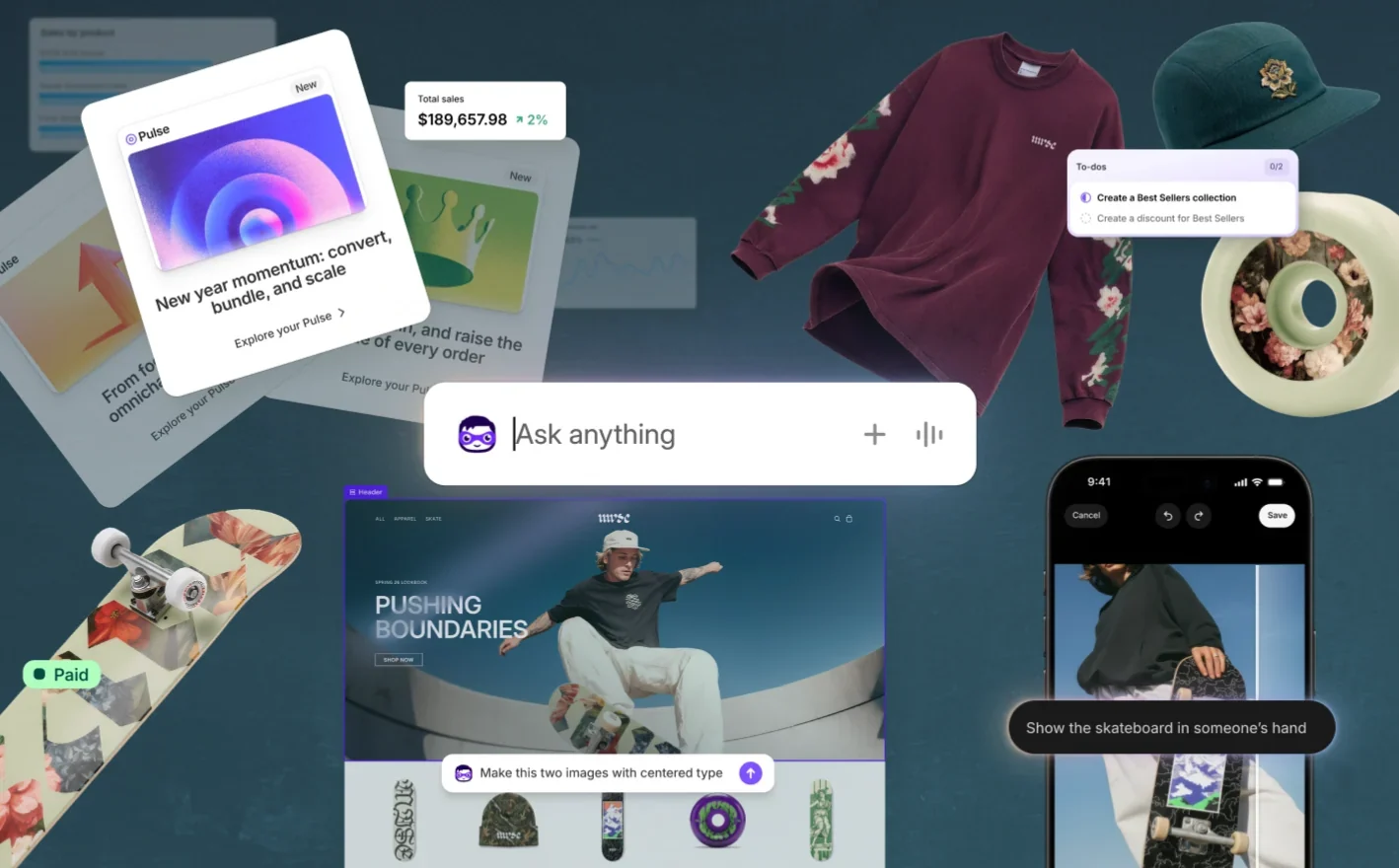
Sidekick is the AI assistant in the Shopify admin. Sidekick suggests jobs, prepares changes like discounts and theme edits, and hands the changes back to Shopify’s normal editors for the merchant to check and save.
The lesson for builders
Hand the agent’s draft back to the product’s own editor, where every field is visible. A form shows decisions a chat summary hides, like a “weekend” discount whose end date runs into Monday.
What Shopify Sidekick can do, and where it stops#
Can do
- Suggest up to five jobs on the admin home page (Pulse). Picking a suggestion opens a conversation with a to-do list.
- Fill in real Shopify forms, like a discount with dates, eligible customers, and products, for the merchant to review.
- Edit unpublished themes while the theme editor is open, using the element the merchant selects as context.
- Generate a small app from a description, like a product-audit tool with editable rules.
Where Shopify Sidekick stops
- Theme edits apply only after the merchant clicks Save, and the theme editor’s Undo works only before saving.
- Sidekick isn’t available in the tablet Online Store Editor, and generating apps needs a desktop browser and a Grow, Advanced, or Plus plan.
- Pulse is early access: the store needs recent sales, owner or admin access, and Network Intelligence turned on.
How Shopify Sidekick handles one request#
The same four steps for every product on this site.
Step 1: A person asks, or the agent notices
The merchant asks Sidekick in the admin, and Sidekick uses the current page as context. Pulse can also suggest up to five jobs on the admin home page.
Step 2: The agent prepares a change
Sidekick fills in Shopify’s own editors: a discount form with dates, eligibility, and products; draft-order changes; or edits to an unpublished theme while the theme editor is open.
Step 3: The person reviews the change in the product’s own screen
The merchant reviews the change inside the real object: proposed form changes turn purple, and new draft-order items get an Added badge. Theme edits show in the editor preview, which covers only the visible page.
Step 4: The product saves the change and keeps a way back
Theme edits and draft orders apply only after the merchant reviews them and clicks Save. The theme editor’s Undo works only before saving, and no single undo for Sidekick changes after saving is documented.
Worth copying#
What Shopify Sidekick gets right, with the source for each.
In a draft order, Sidekick highlights updated fields in purple and marks new line items with an Added badge, so the merchant reviews the change inside the real order.
Shopify’s rules for app developers keep Sidekick data extensions read-only and put every change in an action extension that the merchant confirms.
Sidekick keeps working on longer tasks after the merchant closes the chat or leaves the page, then sends a notification when the work is ready to review.
Gaps#
What Shopify Sidekick’s public docs don’t show yet.
The theme editor’s preview shows only the page on screen. A full list of the settings a global style change will touch, across every template, isn’t documented.
Not documented: one undo for what Sidekick changed after Save. The theme editor’s own Undo stops once changes are saved, and none of the 12 products shows a clear, honest undo.
The finding
“15% off this weekend” becomes a discount that ends Monday#
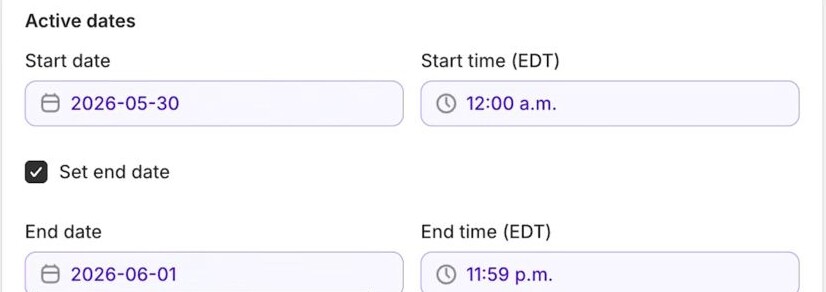
In Shopify’s official Sidekick tutorial, the merchant asks for 15% off for the weekend. Sidekick fills in Shopify’s real discount form: customer eligibility, product scope, combination settings and active dates. The dates run from Saturday, May 30, 2026 at 12:00 a.m. to Monday, June 1 at 11:59 p.m. EDT.
Monday may be what the merchant meant. The recording doesn’t say. A chat reply saying the discount is ready would hide the question. The form puts the exact end date on screen, where the merchant can catch the extra day.
The form is doing the review work. A percentage sounds like the whole decision until the form asks who is eligible, which products count, whether the discount combines with other promotions, and when the discount ends. Each of those fields can change what the discount means while the 15% stays the same. Shopify’s help says a field Sidekick fills in is highlighted in purple, so the merchant can see what the agent added.
Two limits stay open. The recording stops at review: a later panel says the discount isn’t active yet, so nothing shows the discount applying at checkout. And some values may be store defaults rather than choices Sidekick made. The merchant sees the same form either way, which is the point.
For builders: when an agent turns a loose request into a real object, show the object’s own fields, not a summary of them. The end date is where “weekend” quietly became “through Monday.”
Sources#
- Getting help and guidance from Sidekickhelp.shopify.com
- Sidekickhelp.shopify.com
- Sidekick app extensionsshopify.dev
- Theme editor features overviewhelp.shopify.com
Sources checked September 28, 2026.

Rovo is Atlassian’s AI across Jira and Confluence.