Let the agent act alone only within written rules
Inside the rule the agent acts; outside, the agent asks the owner.
When the agent works without being asked (on a schedule, or when something happens), a written rule says what the agent may do, where, acting as whom, and who owns the rule. The product checks permission again at the moment the agent acts, and people get a real pause button.
Why the pattern matters#
Someone approves a rule on Friday. Over the weekend, the person’s access changes. On Monday the trigger fires correctly, but a correct trigger alone isn’t a reason to act. Noticing a problem, preparing a fix, and making the change are different levels of commitment.
When to use the pattern#
Use the pattern when
- The agent should spot problems or prepare work before anyone asks.
- A rule will keep running after the person who wrote the rule has moved on.
- Results go to other people, like digests, notifications, or team channels.
Skip the pattern when
- A suggestion or a prepared proposal would do. More autonomy isn’t automatically a better product.
- The rule would notify people again about a situation that hasn’t changed.
In real products#
What each product documents, strongest example first.
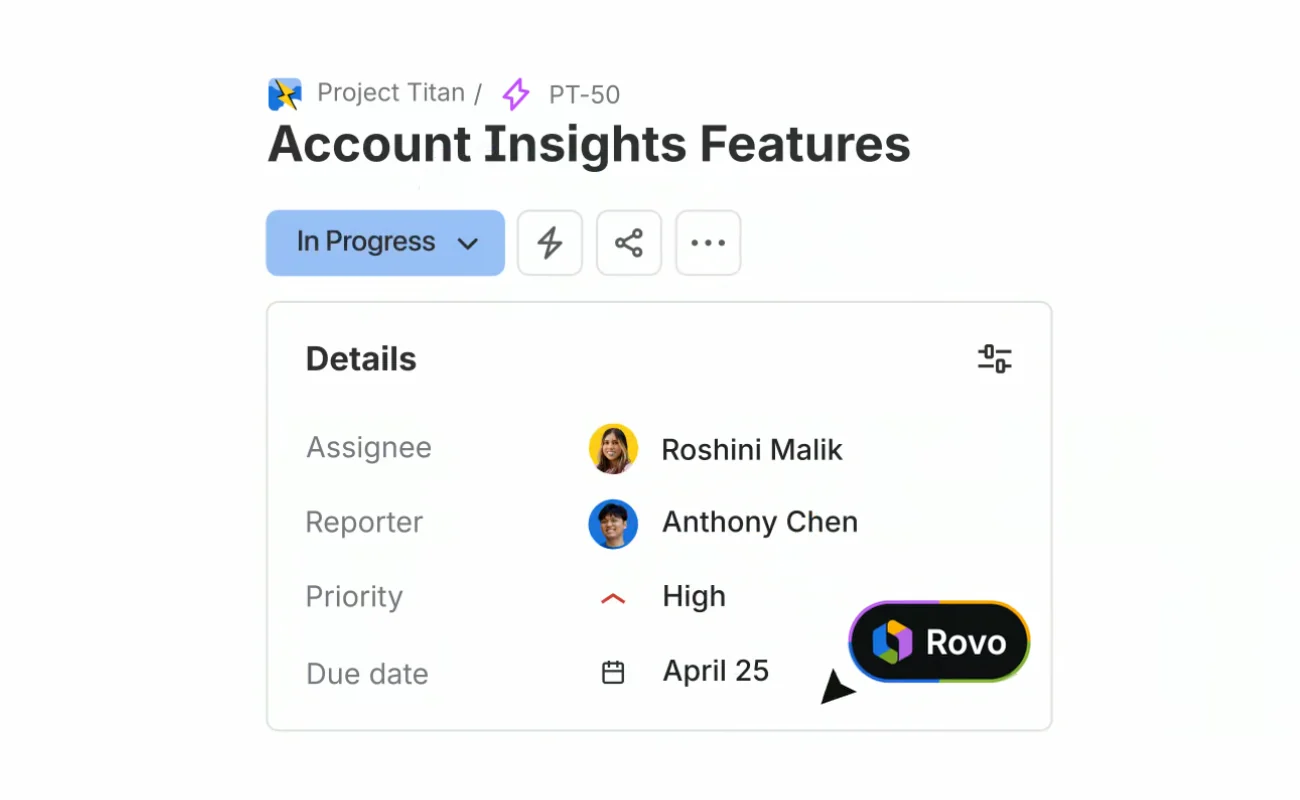
- Atlassian Rovo
A “page published” trigger can start a Rovo agent, and agents in automations can now make changes directly. The same agent that asks before acting in chat may not ask in an automation.
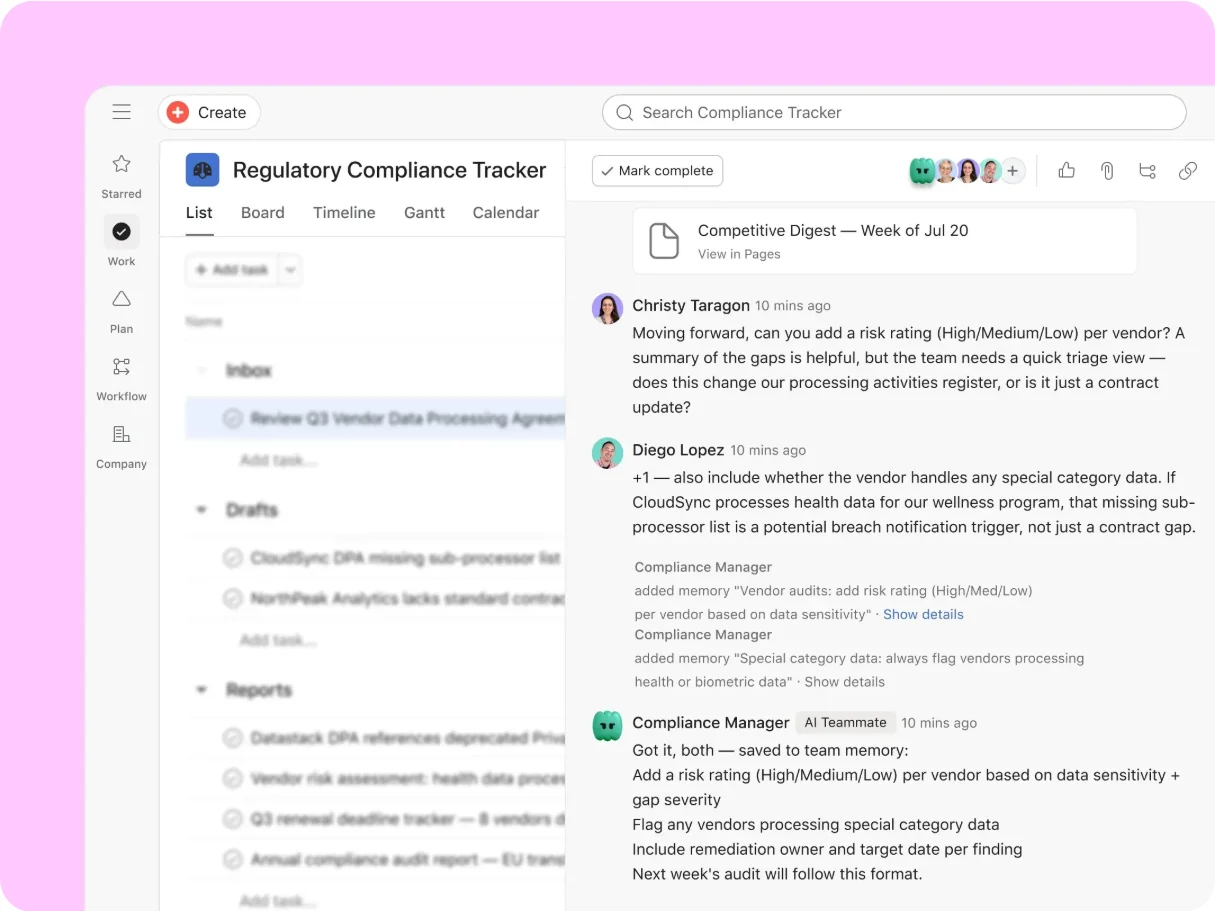
How to configure the Use agent action - Asana AI Teammates
Asana’s CPO walkthrough shows a Launch Planner Teammate running a recurring monitoring task and proposing actions when a launch is at risk.
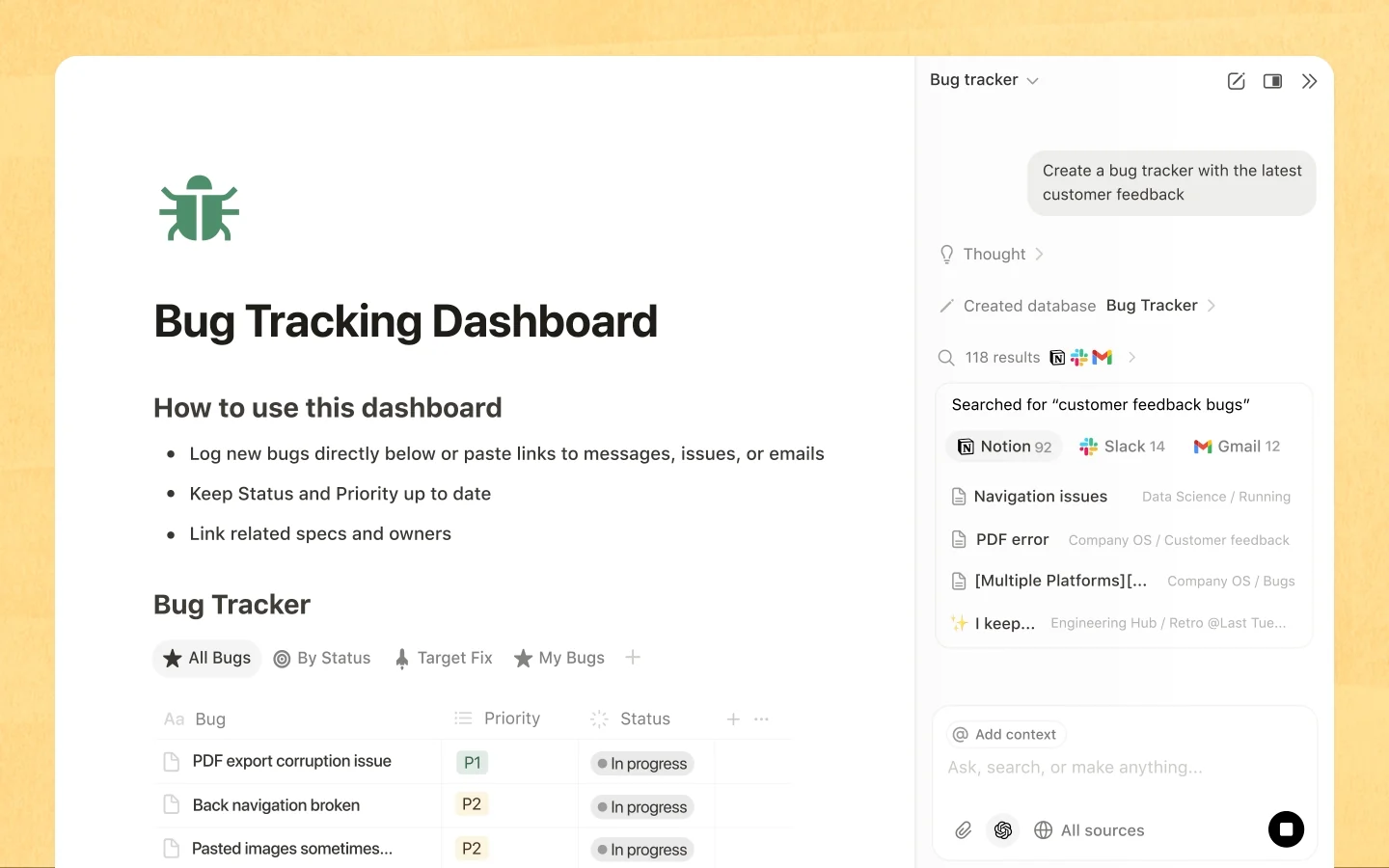
Behind the build: an AI Teammates walkthrough from Asana’s CPO - Notion Agent
Custom Agents run on triggers and schedules with permissions of their own. A person removed from a private page may still get the page’s information through a Custom Agent the person can use.
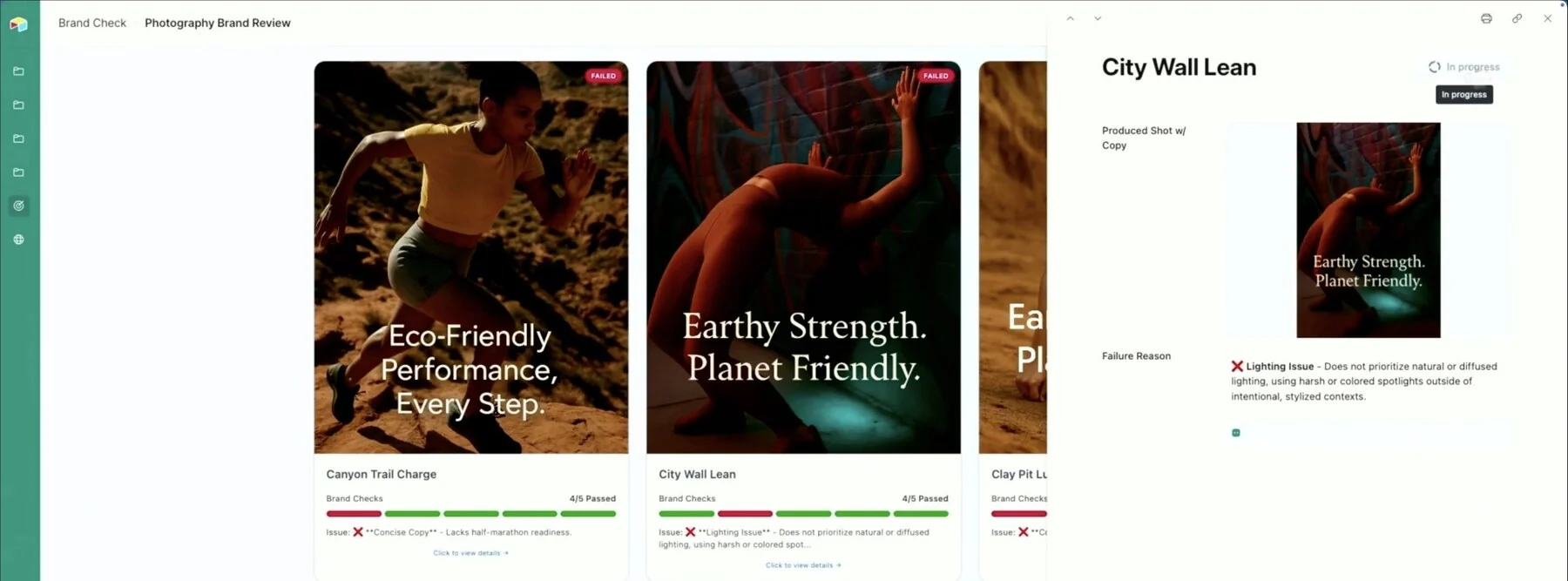
Custom Agents sharing & permissions - Airtable Omni & field agents
With Run automatically on, an Airtable field agent generates new values whenever the field’s inputs change. Creating the field approves every future value the field will produce.
Using Airtable AI in fields




Sources checked September 28, 2026.
Checklist#
Yes-or-no checks for a design review.
- The rule names the trigger, and the run checks the observation is still current.
- The rule names the scope: which objects and which changes.
- The rule names the account the agent acts as, and what happens when that person leaves.
- Limits say what may happen without another decision; anything bigger becomes a proposal.
- Delivery says who hears about the result, and a restricted finding isn’t quoted in a broad channel.
- An owner can pause, change, or retire the rule, and permission is checked again when the agent acts.
- Pause says what the pause stops: new runs, active runs, or further writes.
Try it on your product
Break Friday’s rule on Monday
Write one standing instruction for your product with a trigger, scope, acting account, limits, and owner. In a test workspace, change the owner’s access after the rule is set, then let the trigger fire. Check that the run stops or turns into a proposal instead of acting, and that someone hears about it.
Deep dive#
A standing instruction isn’t permanent authority. The rule names its scope, acting account, limits, and owner, and the product checks permission again at the moment of action.
The product treats the agent’s job as saved work, not a live chat stream.