Keep working after the tab closes
The job runs in the product, not in the browser tab.
The product treats the agent’s job as saved work, not a live chat stream. Each job and each change gets an ID, so people can close the tab, come back, and see what’s done, what’s pending, and what’s uncertain.
Why the pattern matters#
The work, the process doing the work, and the screen showing the work all last for different lengths of time. When a change went through but the reply got lost, a blind retry can make the change twice. “Two confirmed, one being checked” is honest; a spinner isn’t.
When to use the pattern#
Use the pattern when
- Jobs take longer than someone will sit and watch.
- The agent writes to outside systems where replies can get lost.
- People need to stop, resume, or hand work to a teammate.
Skip the pattern when
- A team would retry after a lost reply without first checking whether the original change already landed.
- A team is splitting one job across several agents without checking that the split improves checked results, counting the time spent merging what the agents return.
In real products#
What each product documents, strongest example first.
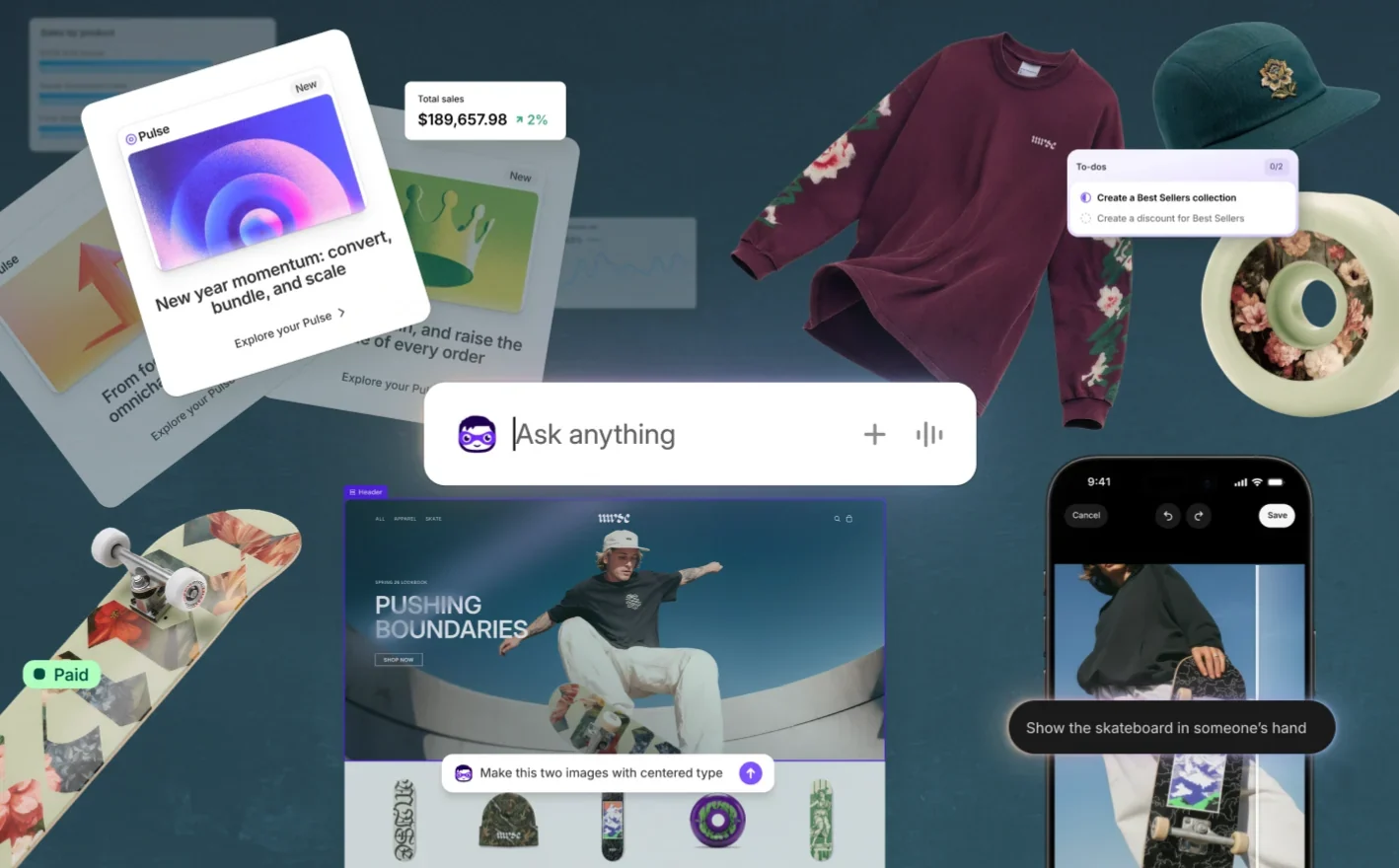
- Shopify Sidekick
Sidekick keeps working in the background after the merchant closes the chat or navigates away.
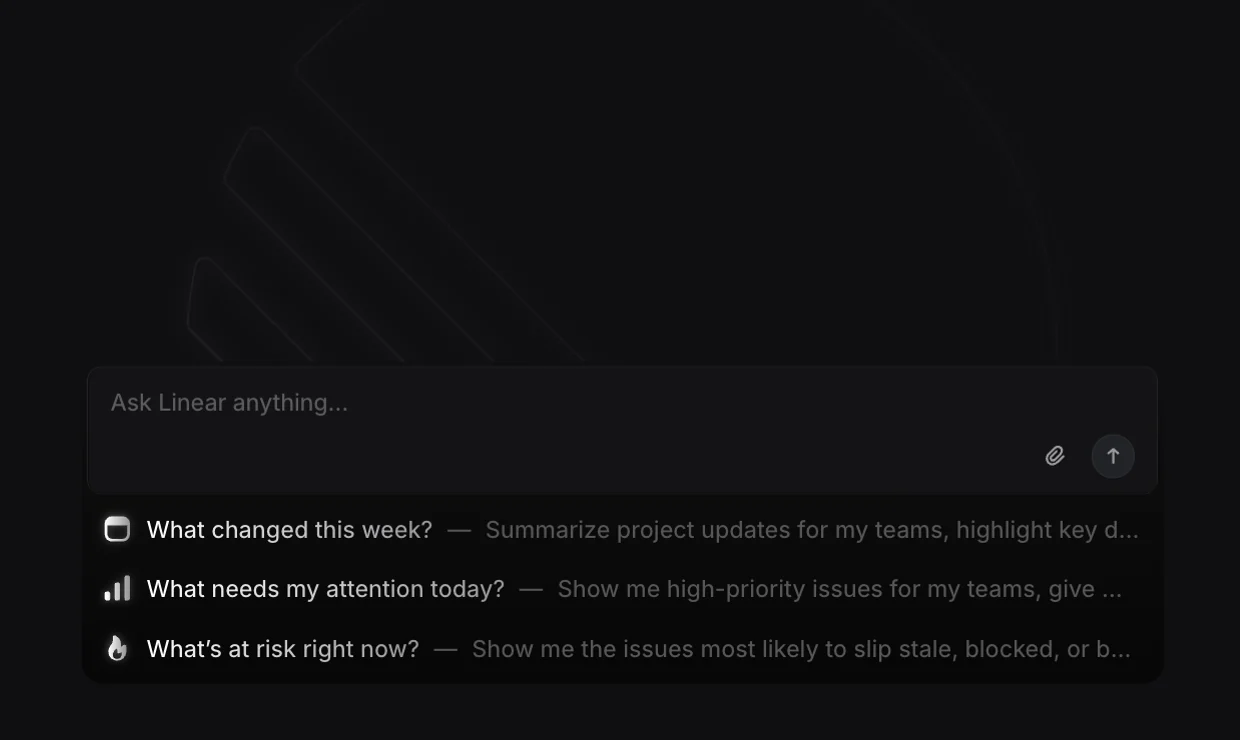
Sidekick - Linear Agent
A delegated agent session reports one of six states: pending, active, awaiting input, error, complete, or stale. Each state tells the issue’s owner whether to act.
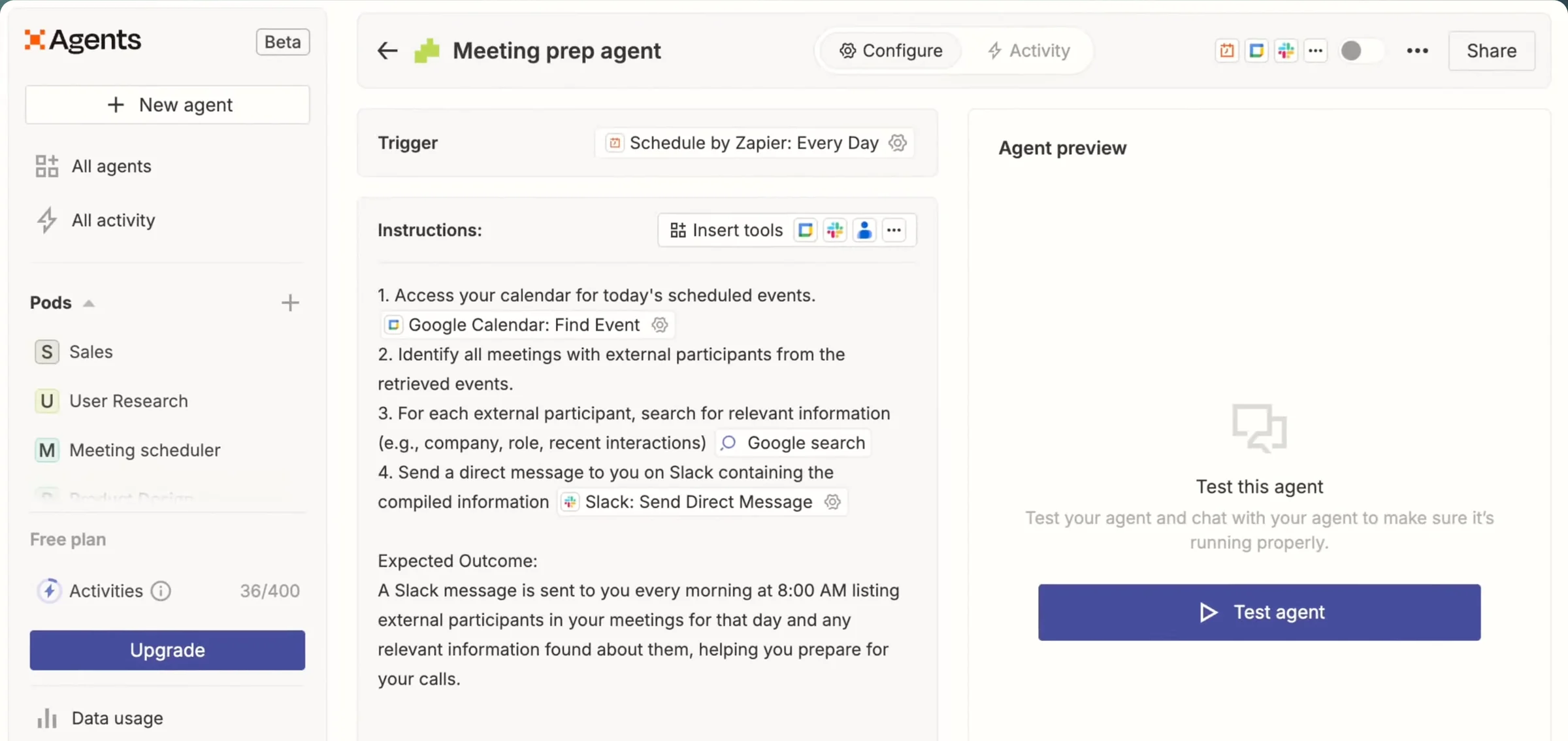
Developing the agent interaction - Zapier Agents & AI by Zapier
A standalone Zapier run can stop and wait for input, for example when an app connection has expired or been revoked. Whether a retry can repeat a write that already went through isn’t documented.
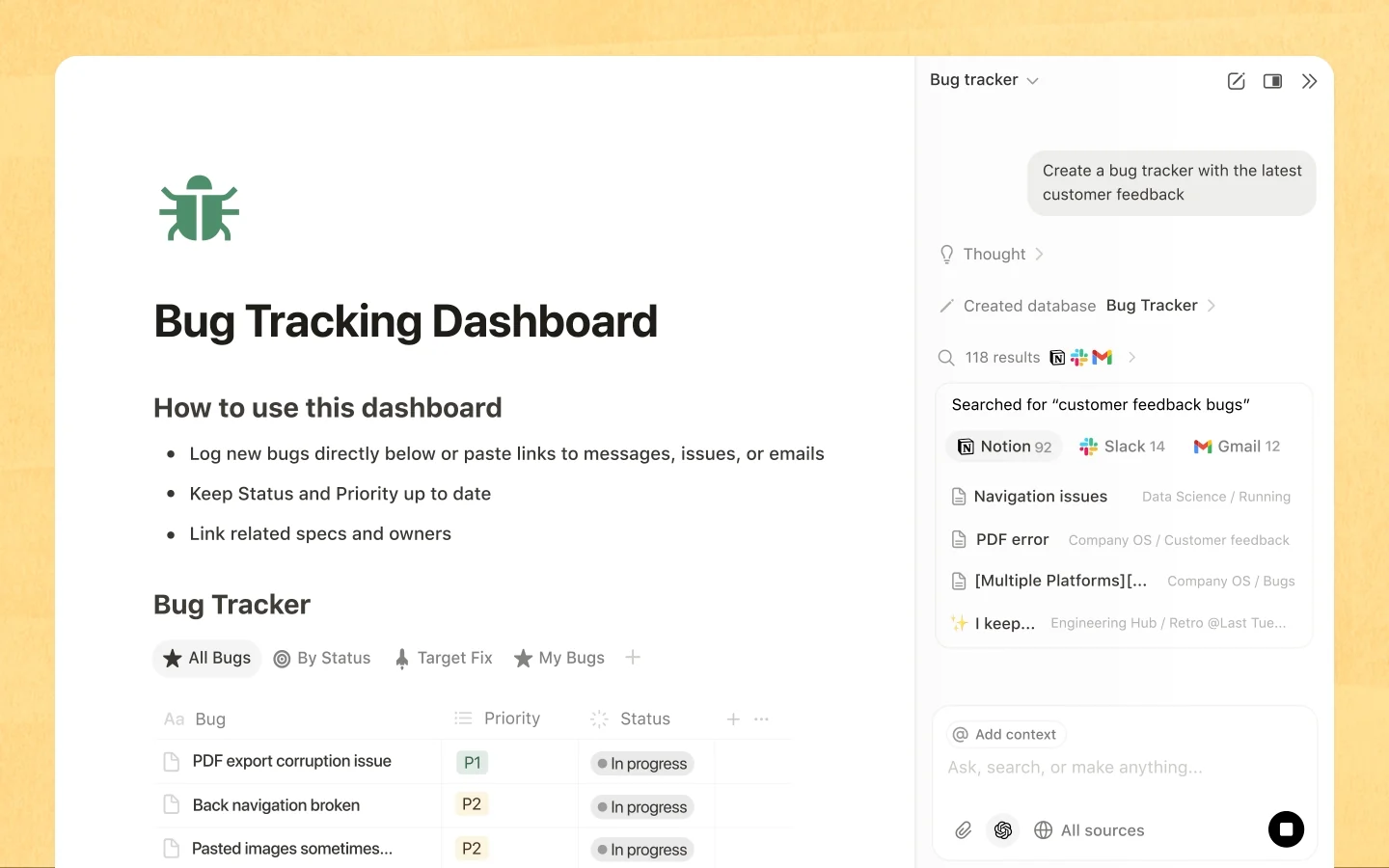
Understand your agent’s statuses - Notion Agent
Notion notes that a Slack typing indicator doesn’t always mean the agent will reply. Visible activity isn’t proof of delivery.
What are Custom Agents?




Sources checked September 28, 2026.
Checklist#
Yes-or-no checks for a design review.
- Each job and each intended change has a stable ID that survives a new browser or a new worker.
- The run shows confirmed, pending, and uncertain work separately.
- After a lost reply, the product looks up the result before retrying.
- A returning person lands on the run’s own page, not only a notification or a chat message.
- Cancel says what the cancel stopped and what already happened.
- Each job has one owner who decides when the job is done, however many agents do the work.
Try it on your product
Close the browser at every step
Walk through one task your agent does and close the browser at every transition: while the agent plans, while it waits for approval, in the middle of a write, and after it finishes. For each, write down what a returning user sees and which operations, if any, can safely be retried.
Deep dive#
One conversation can hold several jobs. Each job needs an ID and one owner, so a lost reply, a replaced worker, or a closed tab doesn’t turn into duplicate or invisible work.
The product describes each thing the agent can do as a user job, like “send this campaign to these recipients,” with one owning team, clear permissions, and a shared meaning of “done.” The same rules apply wherever the request comes from.